
News
3 Steps to Choose the Right Printer! Precisely Match Your Needs by Scenario, Production Capacity, and Budget
Whether you're a startup beginner, a small workshop, or a medium-to-large enterprise in need of mass production, the biggest fear when choosing a printer is "making the wrong choice" — it may not match your business scenario (e.g., a hard material printer can't handle soft materials); its production capacity can't keep up with orders (small-batch equipment can't take on large-batch orders); or it exceeds your budget, adding operational pressure. Don't worry! Just follow these 3 dimensions, and you can quickly find the most suitable printer for you, avoiding pitfalls.
Step 1: First, Consider "Business Scenario" — Printing Material Determines the Core Model
The primary principle of choosing a printer is to "target the right need" — select the model that matches the material you mainly print on. No matter how expensive the equipment is, it will be useless if it's not compatible with your materials.
1. Hard Material Customization (e.g., Acrylic Signs, Metal Parts, Glass Products)
If your business focuses on hard materials — such as making acrylic advertising letters, metal pipe markers, or glass decorative paintings for customers — prioritize choosing from these two series:
- Large-size hard materials (e.g., acrylic sheets over 1.2m, large metal plaques): Choose the 2513 Series. Its wide format and platform size are sufficient to meet the printing needs of large-size hard materials without splicing, ensuring higher efficiency.
- Small-size hard materials (e.g., small metal badges, mini acrylic ornaments): Choose the 9060W Series. Its platform size is suitable for small workpieces, offering flexible operation and saving workshop space.
2. Soft Material Customization (e.g., Leather Decorative Paintings, Fabric Printing, Car Stickers, PP Paper Posters)
If your core business is soft materials — such as home leather background walls, advertising car stickers, or cultural and creative fabric printing — these models are more suitable:
- Prioritize the 1210 UV Flatbed Printer or 1610 UV Flatbed Printer: Ideal for flat printing on flexible materials like leather and fabric, ensuring high image adhesion and accurate color reproduction.
- Alternatively, choose the 1980/770 Plotter: Especially suitable for roll-type soft materials (e.g., full rolls of car stickers, PP paper), supporting continuous wide-format printing for more efficient batch production.
3. Cylindrical/Irregular Cylindrical Printing (e.g., Thermos Cups, Vases, Conical Bottles)
For cylindrical customization (e.g., printed patterns on gift thermos cups, artistic vase designs, or markers on irregular metal cans), select the model based on "cylinder type":
- Small-batch straight cylinders (e.g., ordinary straight thermos cups with small quantities): Choose the XP600 Series (e.g., M-360MINI-XP600). It offers high cost-effectiveness to meet small-order needs.
- Mass production of straight cylinders (e.g., batch production of corporate-customized straight thermos cups): Choose the Epson 1600U1 Series (e.g., M-360MINI-Epson 1600U1). With fast printing speed, it’s suitable for medium-batch production.
- Irregular cylinders (e.g., curved vases, conical bottles, uneven cylindrical workpieces): Only the Toshiba CF3 Series (e.g., M-360MINI-Toshiba CF3) is applicable. Equipped with curved surface scanning, it can accurately adapt to complex curved surfaces, solving the pain point that
- traditional equipment "can’t print on irregular shapes".

Step 2: Next, Evaluate "Production Capacity Demand" — Order Volume Determines Equipment Efficiency
After choosing the right scenario, consider "how many orders you can take and how soon you need to complete them" — if production capacity can’t keep up, you can’t make money even with many orders; if capacity is excessive, it will waste equipment costs.
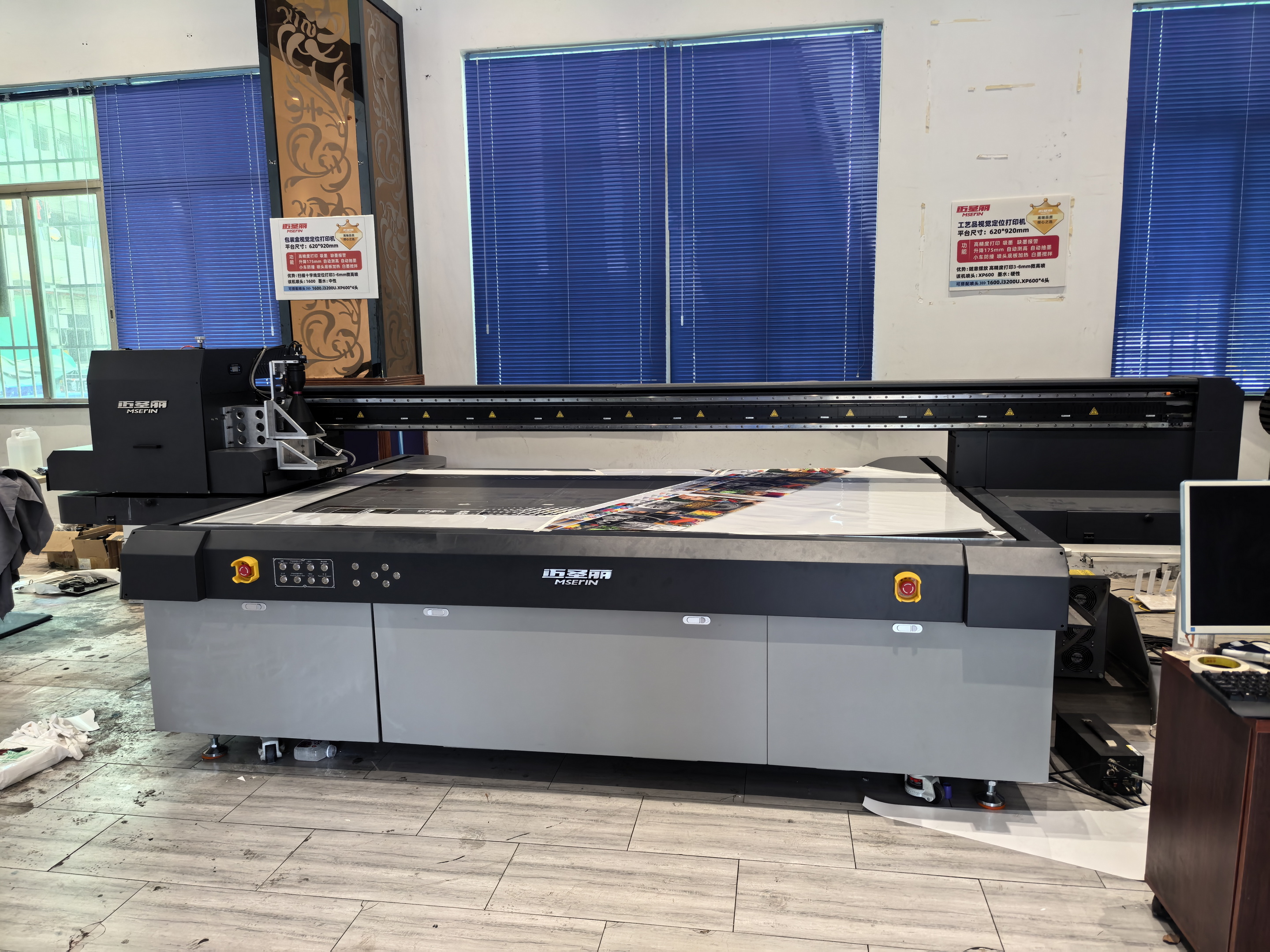
1. Small-Batch Customization (e.g., Several to dozens of orders per month, small quantity with diverse styles)
If your business focuses on small, customized orders (e.g., scattered thermos cup customization or small-size advertising stickers in the startup stage), choose these "flexible" devices:
- M-9060W Series: Suitable for small-size hard materials, easy to operate, and ideal for small-order production.
- M-360MINI-XP600: For small-batch straight cylinder printing, without occupying much space.
- M-770 Plotter: For small-batch soft material printing (e.g., a small number of car stickers, posters), featuring low cost and easy operation.
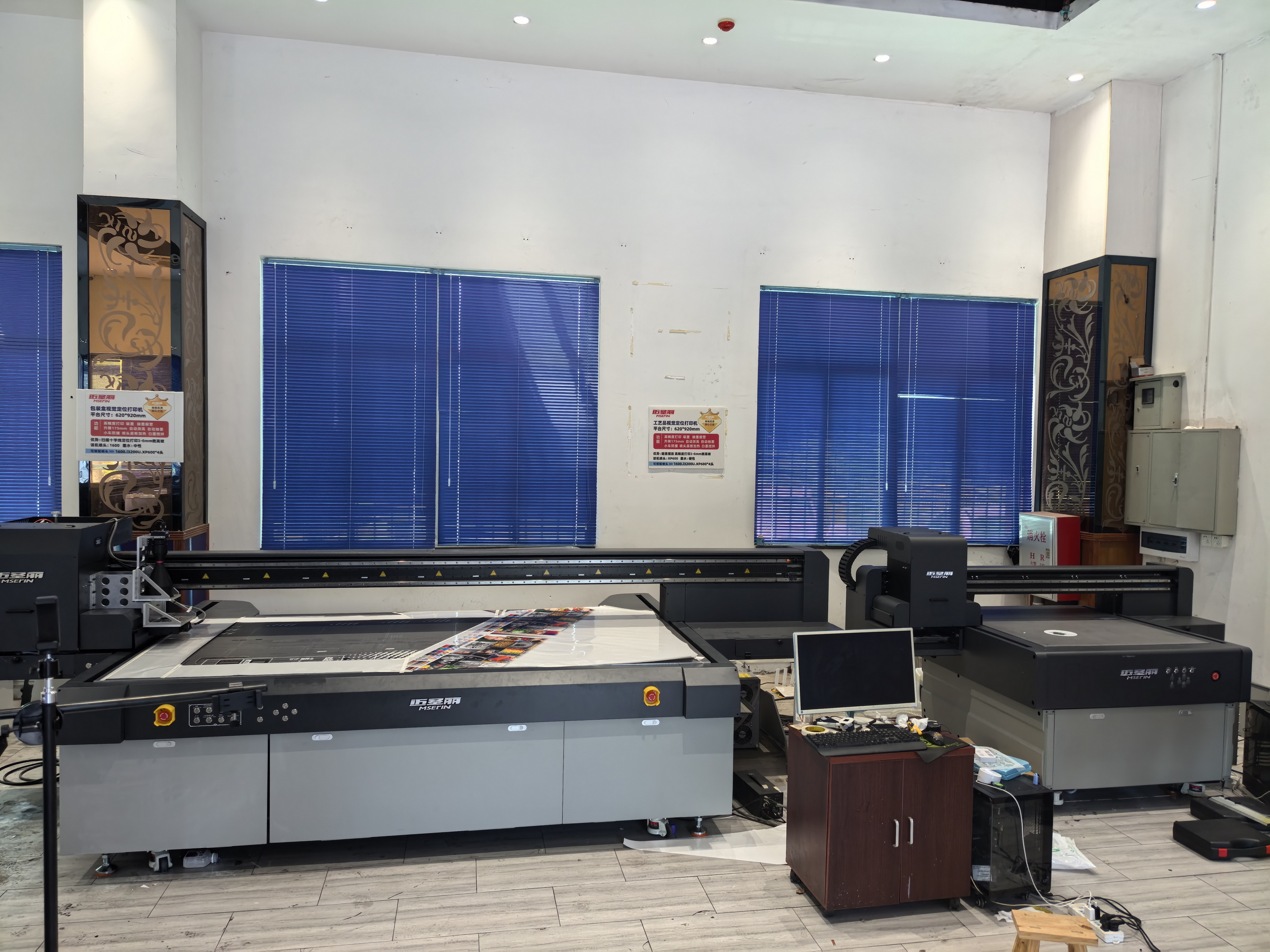
2. Medium-Batch Production (e.g., Dozens to hundreds of orders per month, requiring stable output)
If you already have regular customers and stable order volume (e.g., a medium-sized advertising workshop undertaking batch car stickers, or a home furnishing enterprise customizing leather decorative paintings), these "high-efficiency" devices are more suitable:
- Hard materials: M-1210 Flatbed Printer, M-1610 UV Flatbed Printer — capable of handling medium-batch hard material printing with faster speed than small-size equipment.
- Soft materials: M-1980 Plotter — with a 1.8m wide format, it enables high-efficiency continuous printing, suitable for batch car stickers and posters.
- Cylindrical materials: M-360MINI-Epson 1600U1 — for medium-batch straight cylinder production, balancing speed and stability.

3. Large-Batch/Large-Size Production (e.g., Hundreds of orders per month or large-size workpieces)
If your business has entered the "mass production stage" or needs to take large-size orders (e.g., a large advertising company making giant acrylic signs, or a professional factory mass-producing irregular cylindrical workpieces), you must choose "flagship" equipment:
- Large-size hard materials: M-2513 Series — with a large platform and fast speed, it can undertake large-size hard material batch orders.
- Mass production of irregular cylinders: M-360MINI-Toshiba CF3 — not only capable of printing irregular shapes but also meeting large-batch production needs, making it the first choice for professional cylindrical customization factories.
Step 3: Finally, Factor in "Budget" — Control Costs Based on Business Scale
Choosing a printer is not about "the more expensive, the better", but "meeting the budget and being sufficient for needs" — don’t blindly buy high-end equipment in the startup stage, and don’t choose low-end equipment to save costs in the mature stage (to avoid troubles in later upgrades).
1. Entry-Level Budget (Startups/Small Workshops with Limited Budget for Trial)
If you’re just starting and want to control initial investment (e.g., entrepreneurs doing small-batch customization, small family workshops), these "cost-effective" models can meet basic needs:
- Cylindrical materials: M-360MINI-XP600 High-Speed Cylinder Printer — for small-batch straight cylinder printing at an affordable price.
- Soft materials: M-770 Plotter — for small-batch soft material printing, easy to operate with low maintenance costs.
Download
File Download
catalogue
Chinese catalogue